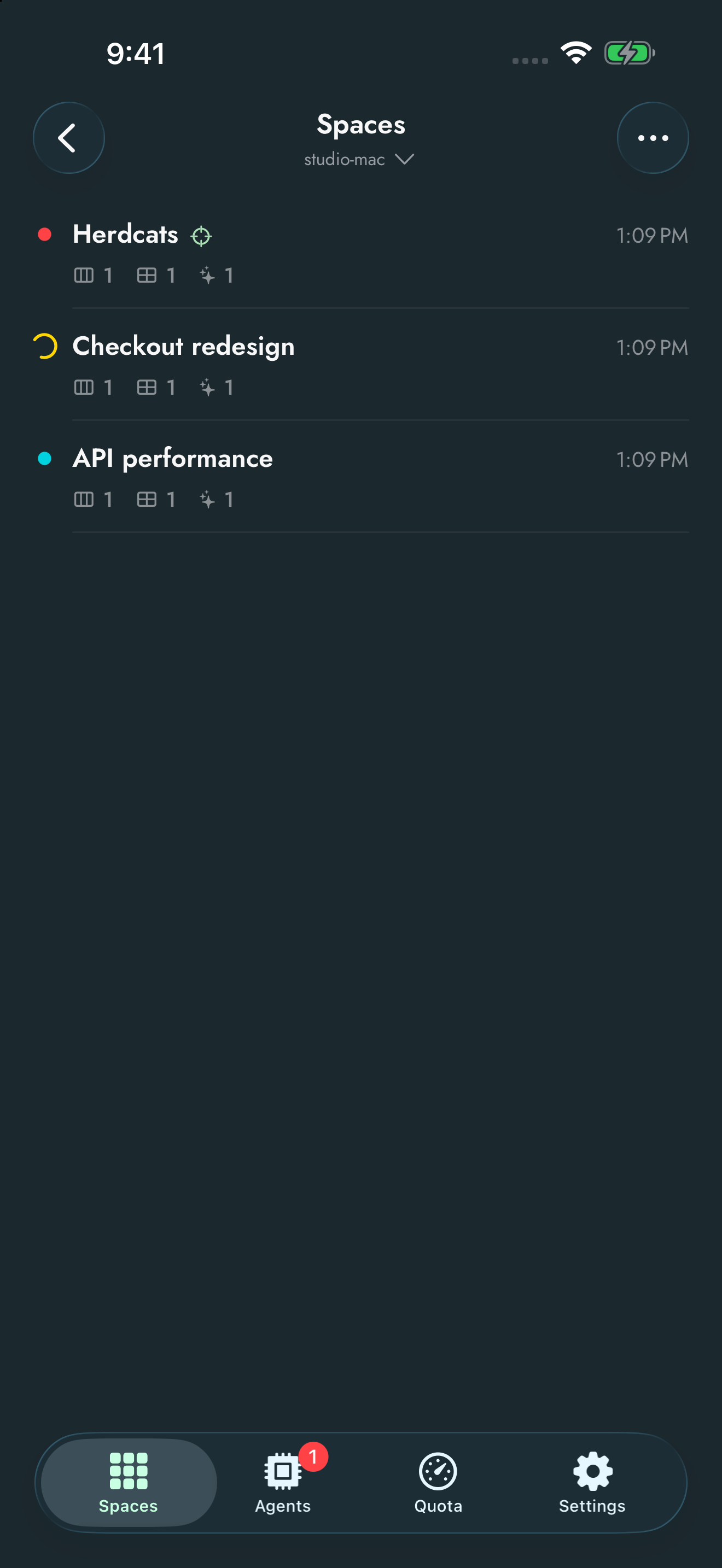
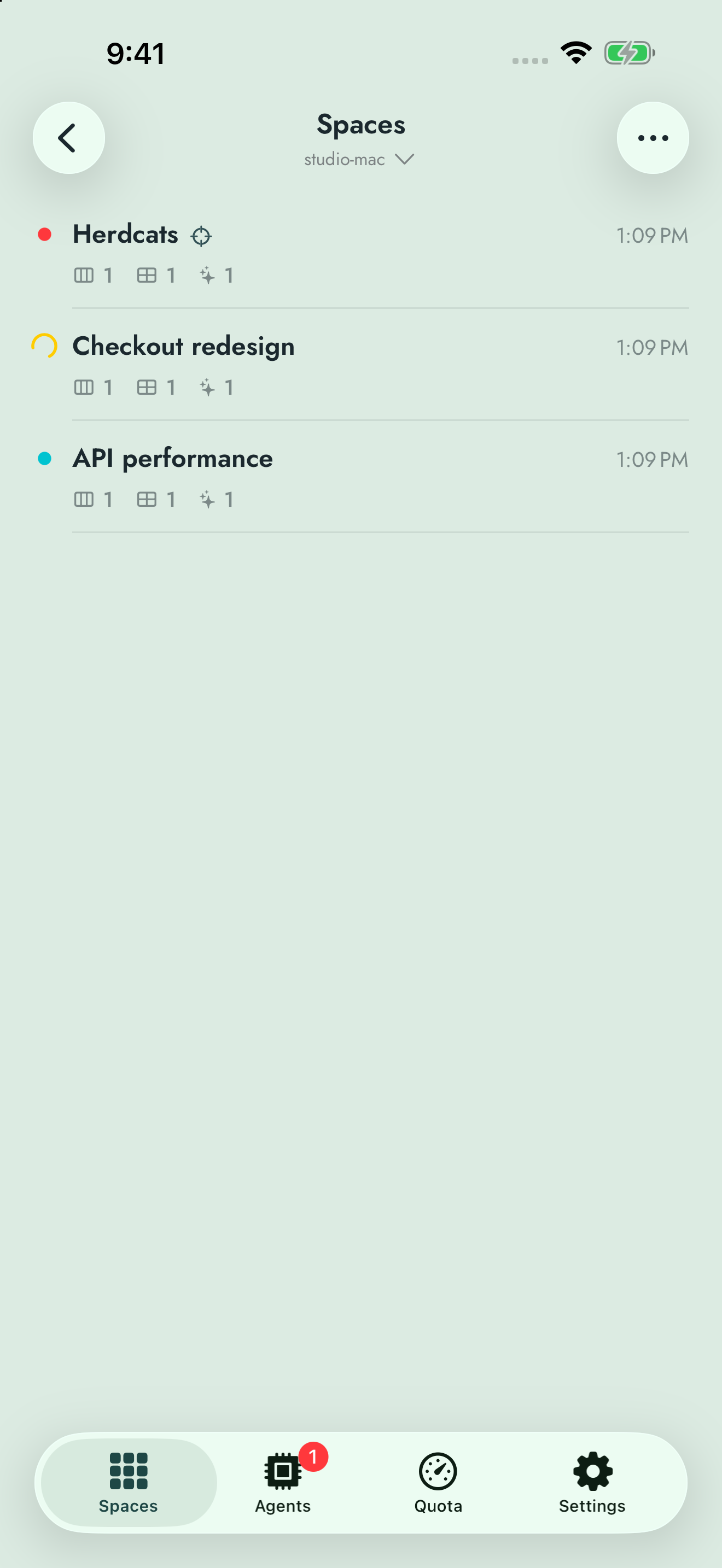
Manage workspaces, follow your agents, and send your next instruction over SSH. Connect to the Herdr TUI or to Herdr Core, the runtime behind the Herdr desktop app. Explore the features below with sample sessions from the iPhone app. Use the theme switch to see each feature in light or dark mode.
Spaces
See your workspaces and which agents need attention.
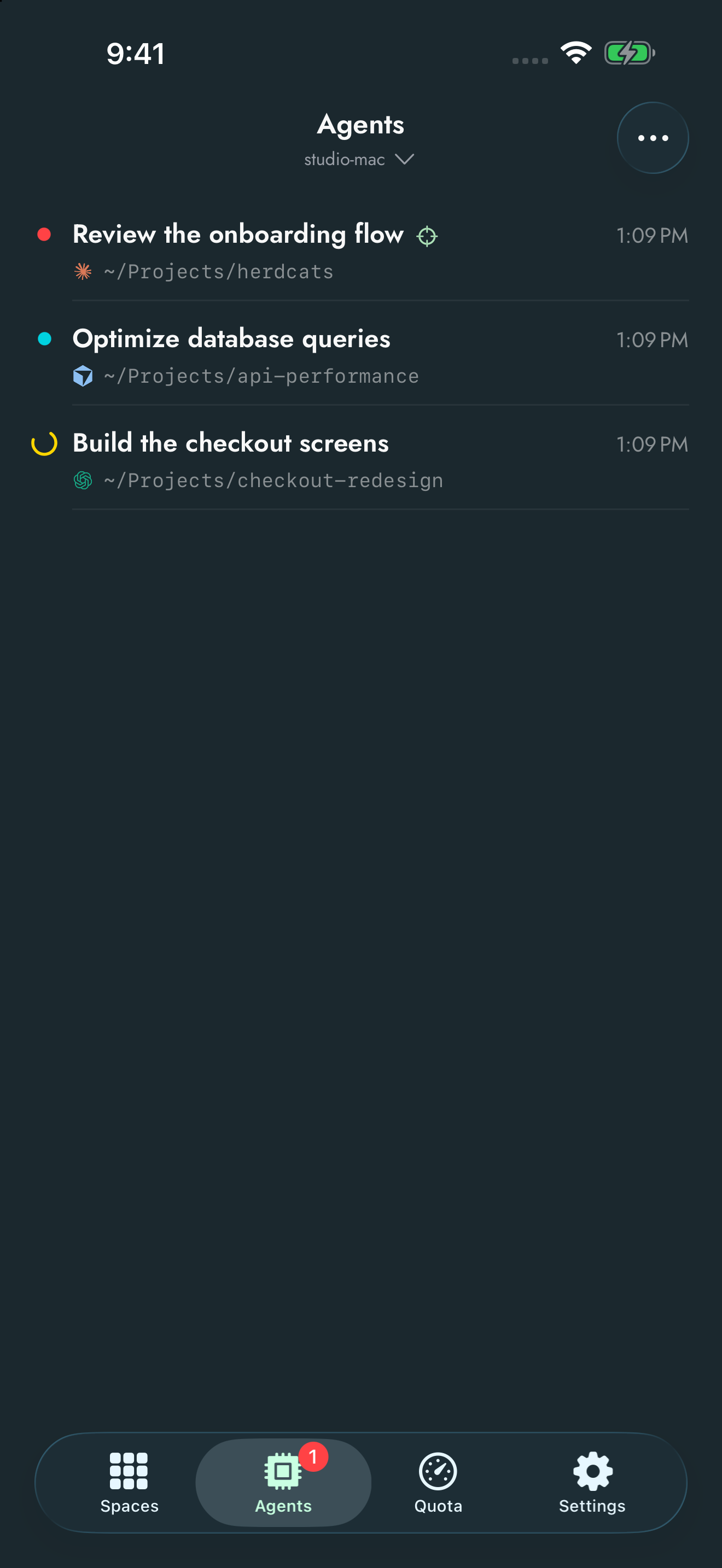
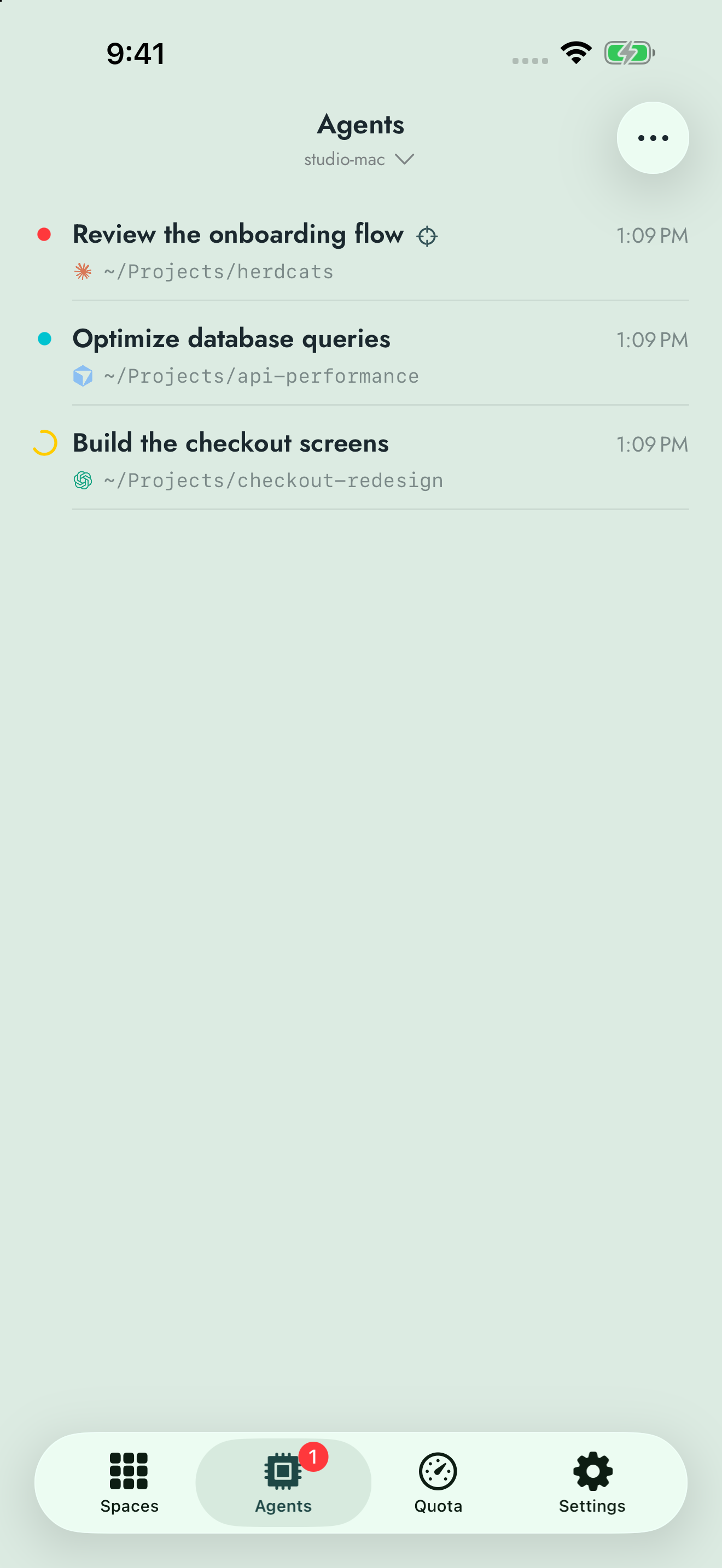
Agents
Check blocked, working and finished agents across projects.
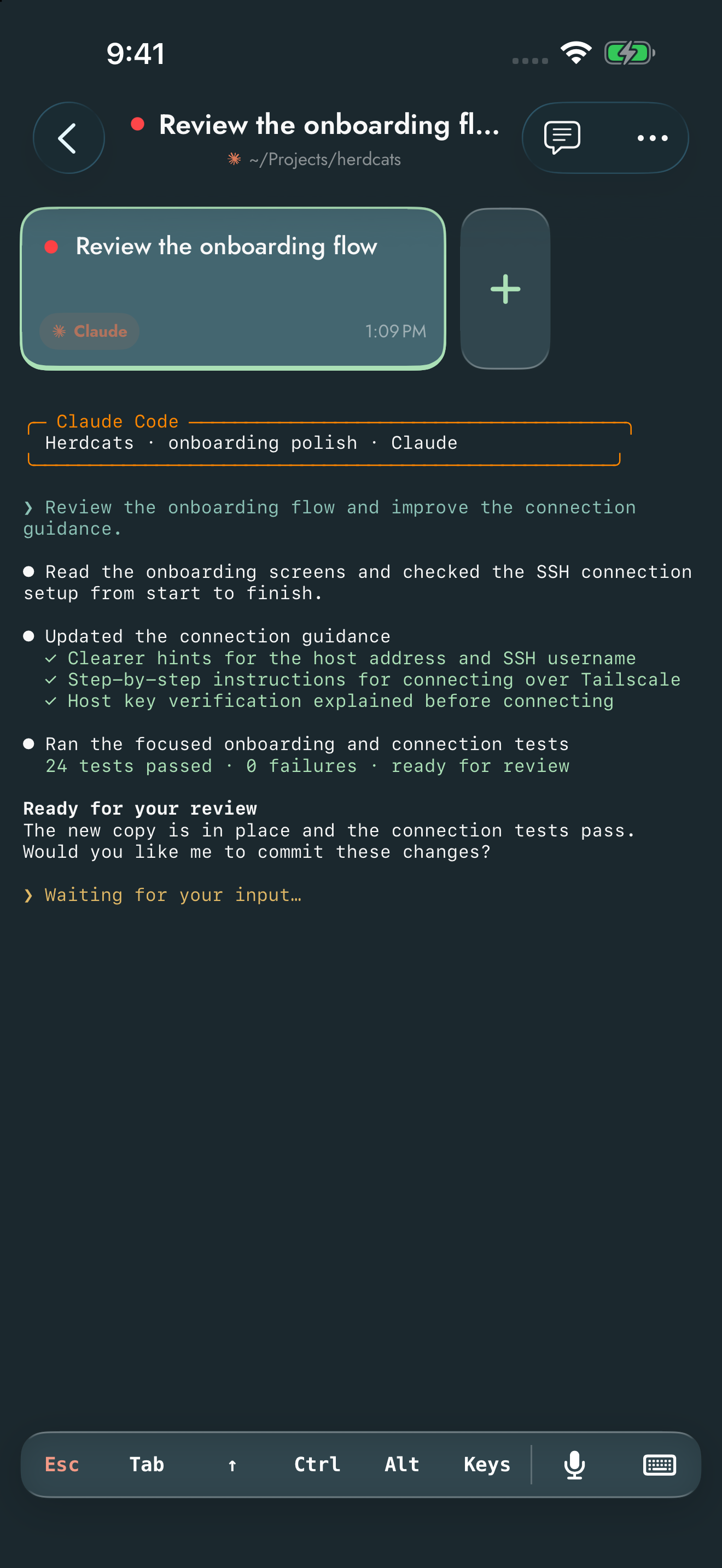
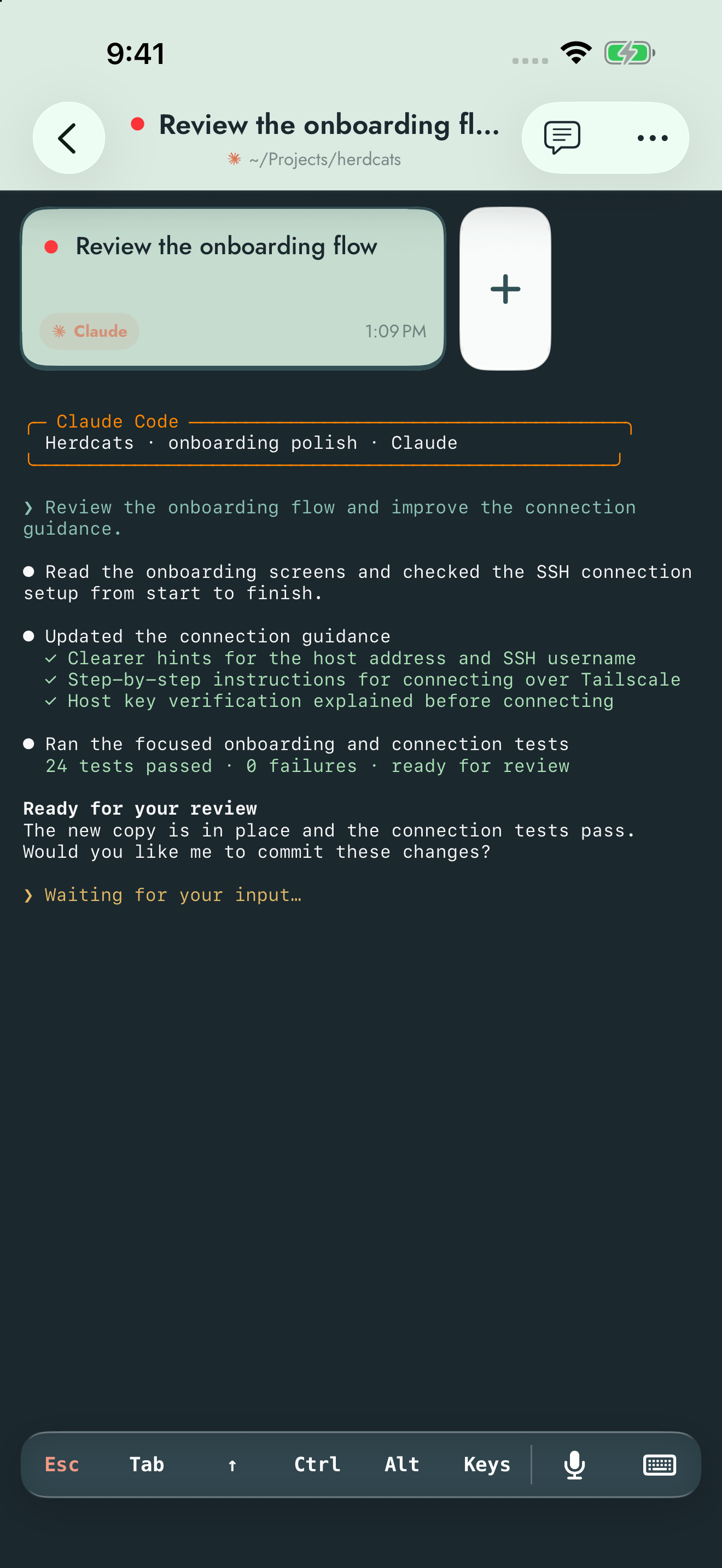
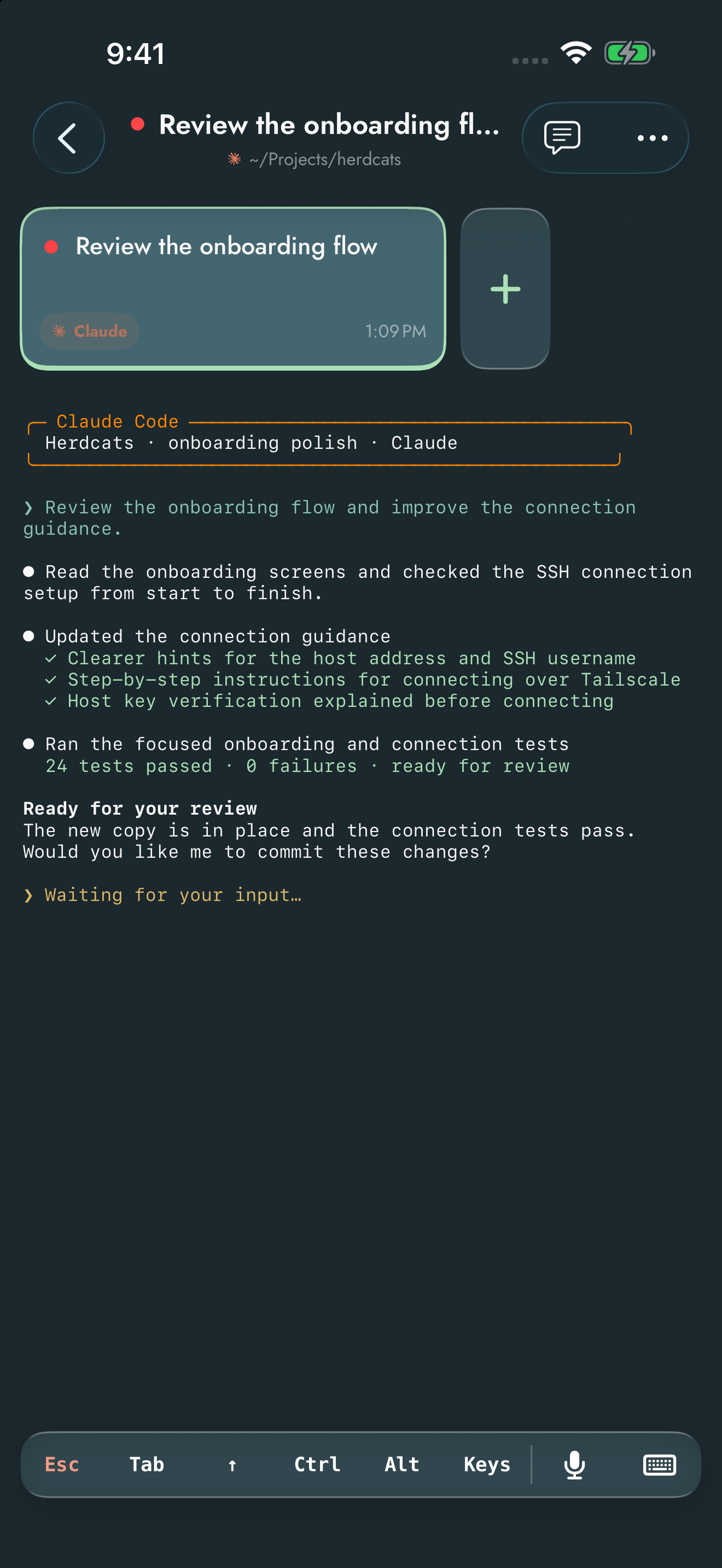
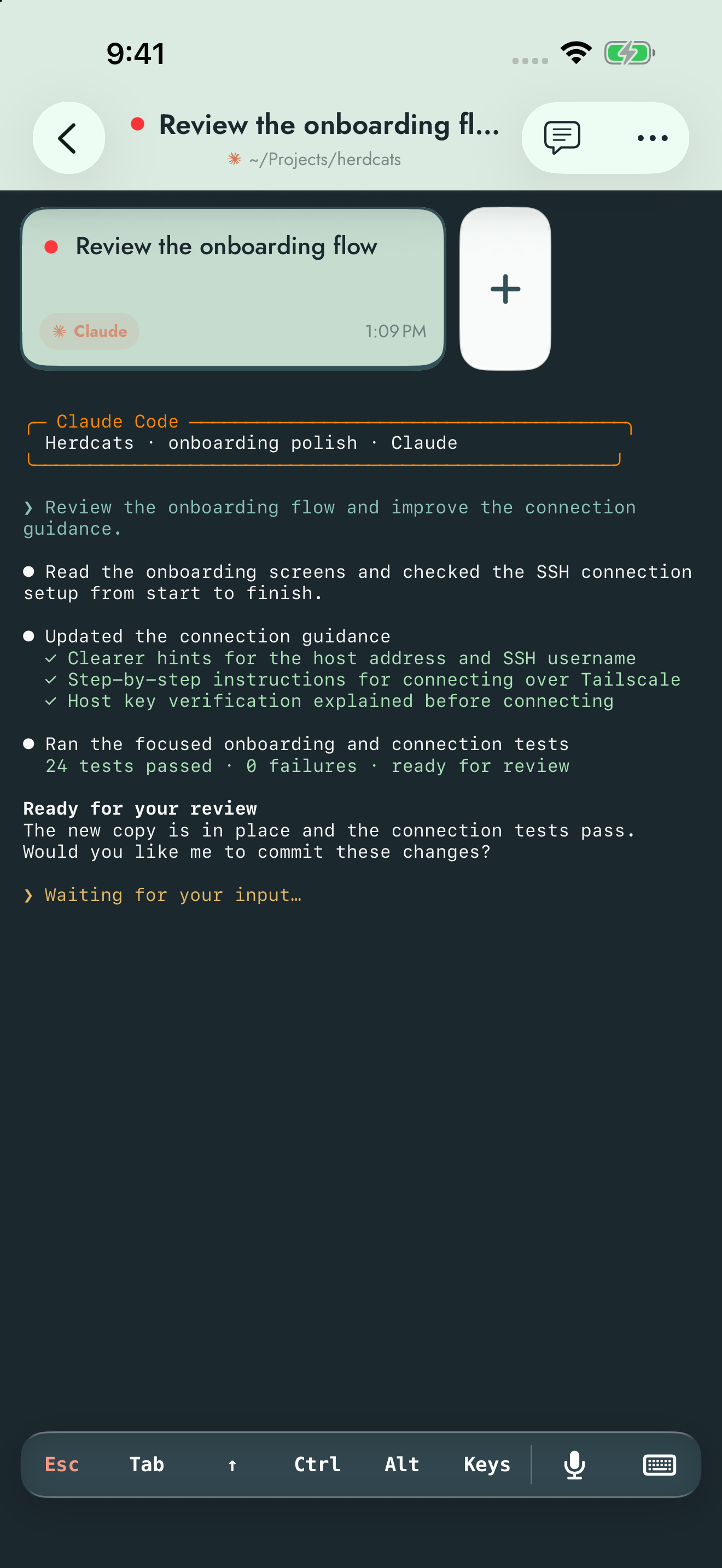
Live terminal
Read real ANSI terminal output, jump back to the newest line, and send input to your agent.
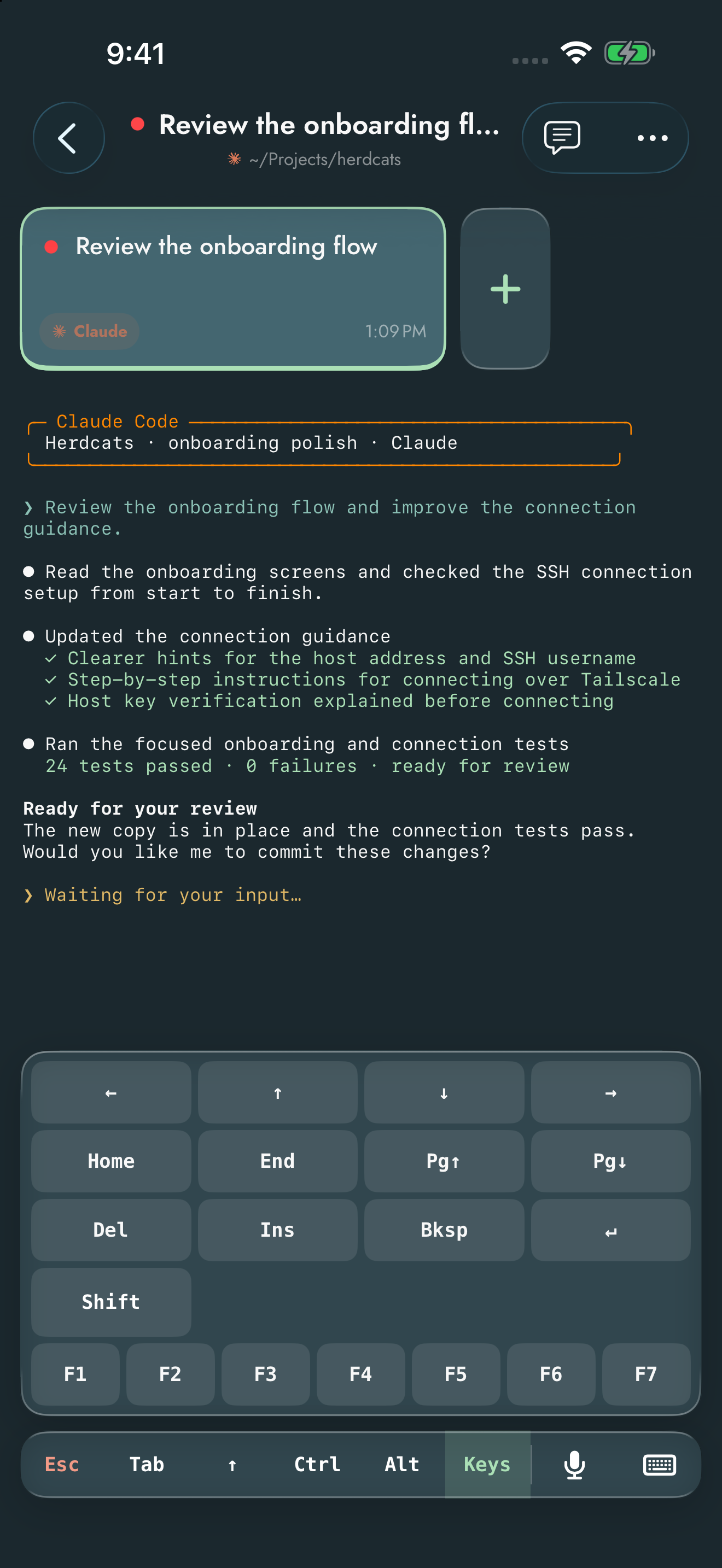
Terminal keys
Use arrows, function keys and modifiers from your iPhone.
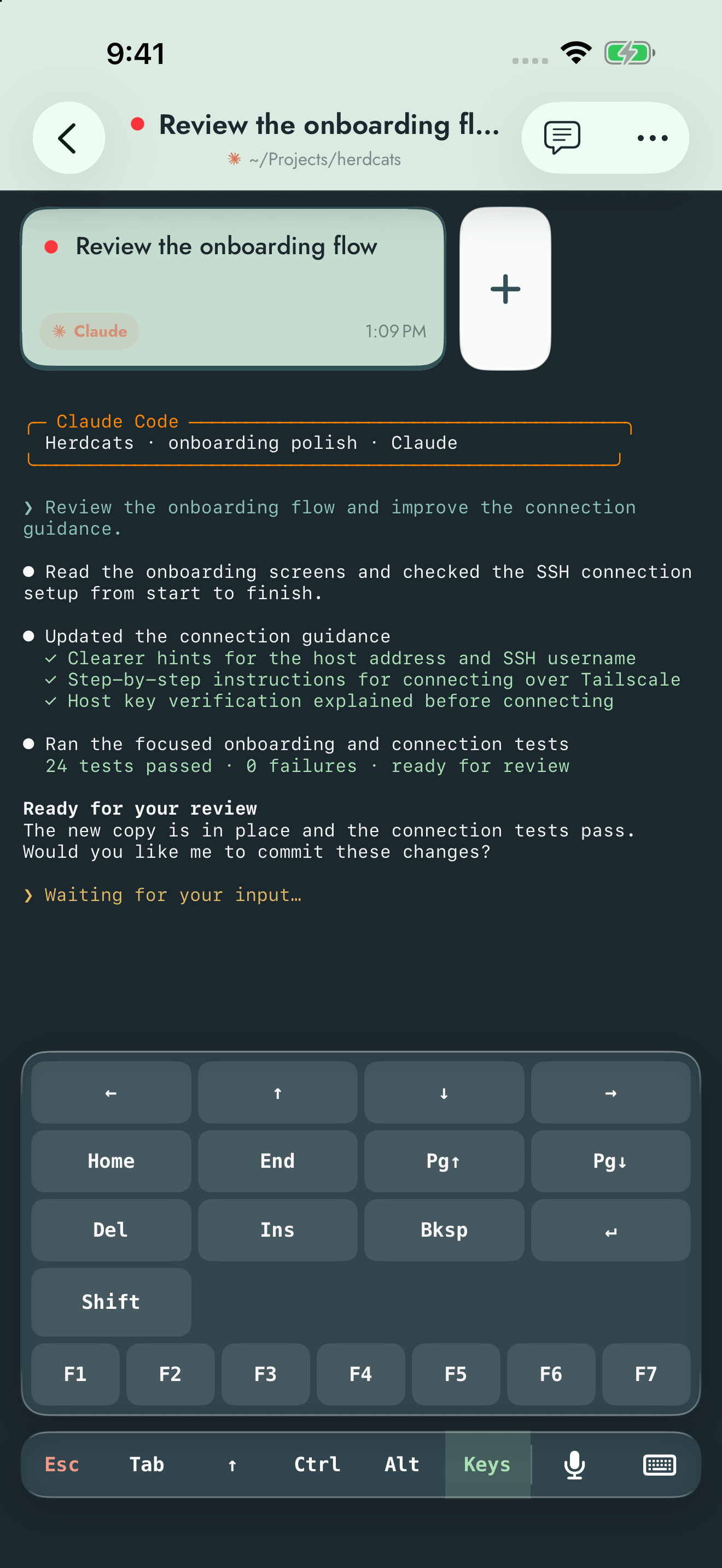
Agent pane
Open an agent’s pane and continue where you left off.
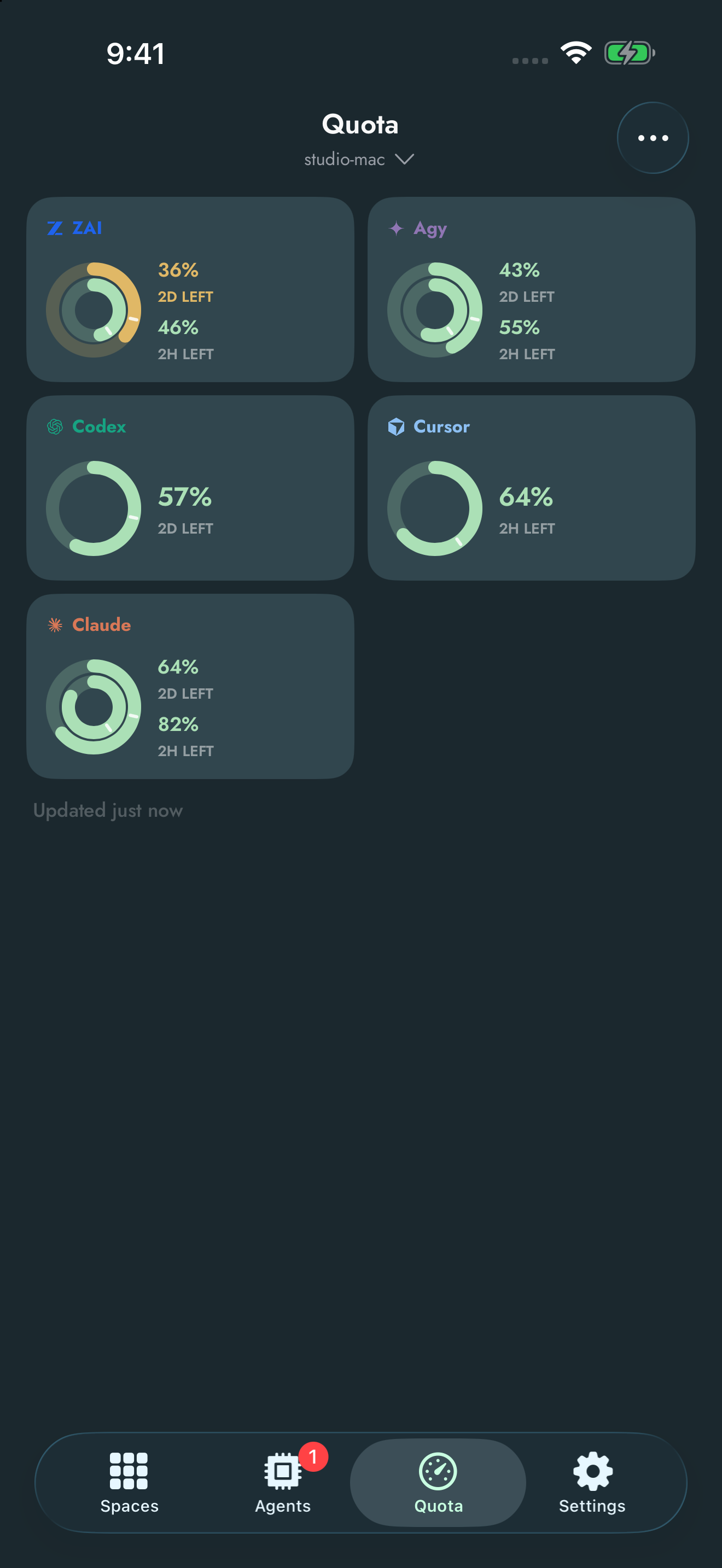
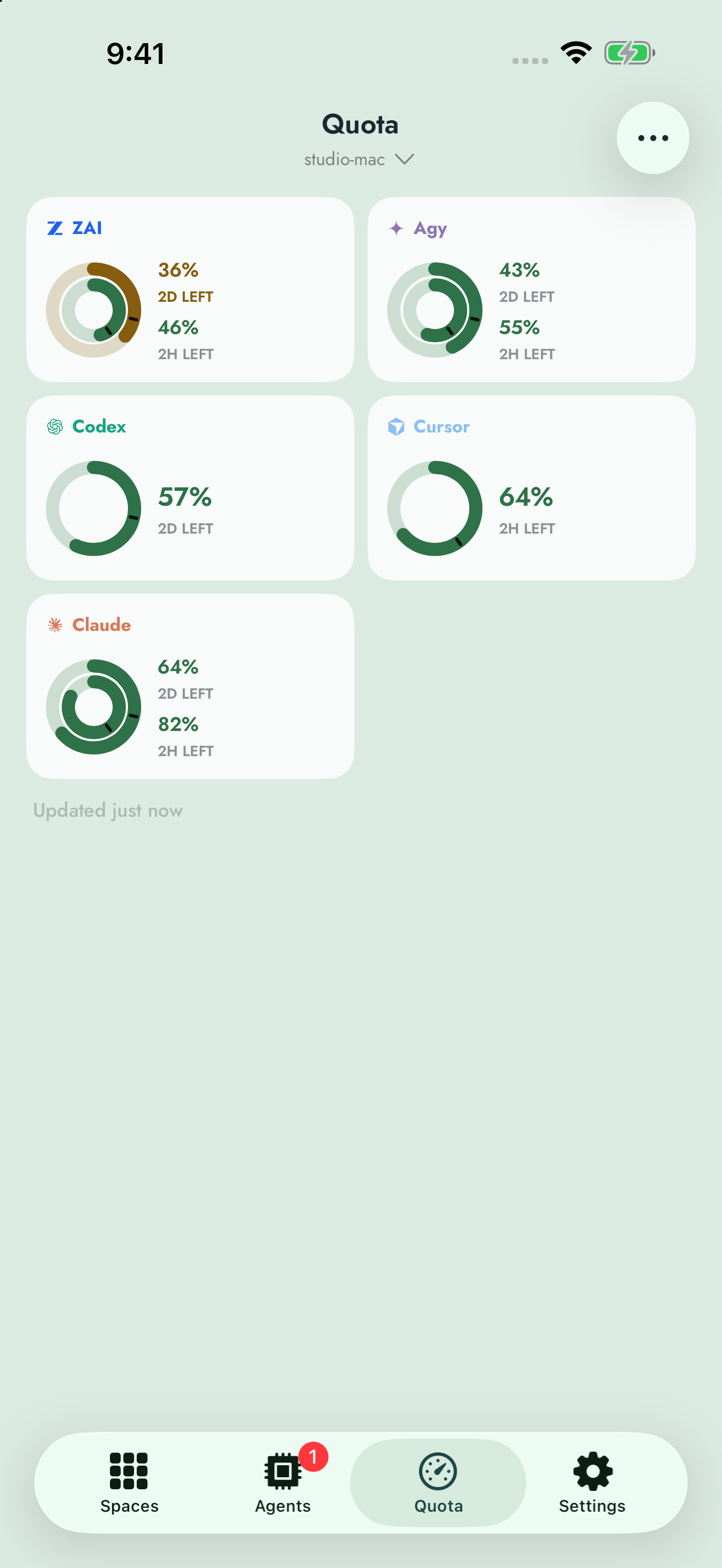
Model quotas
Track remaining usage and reset windows across providers.
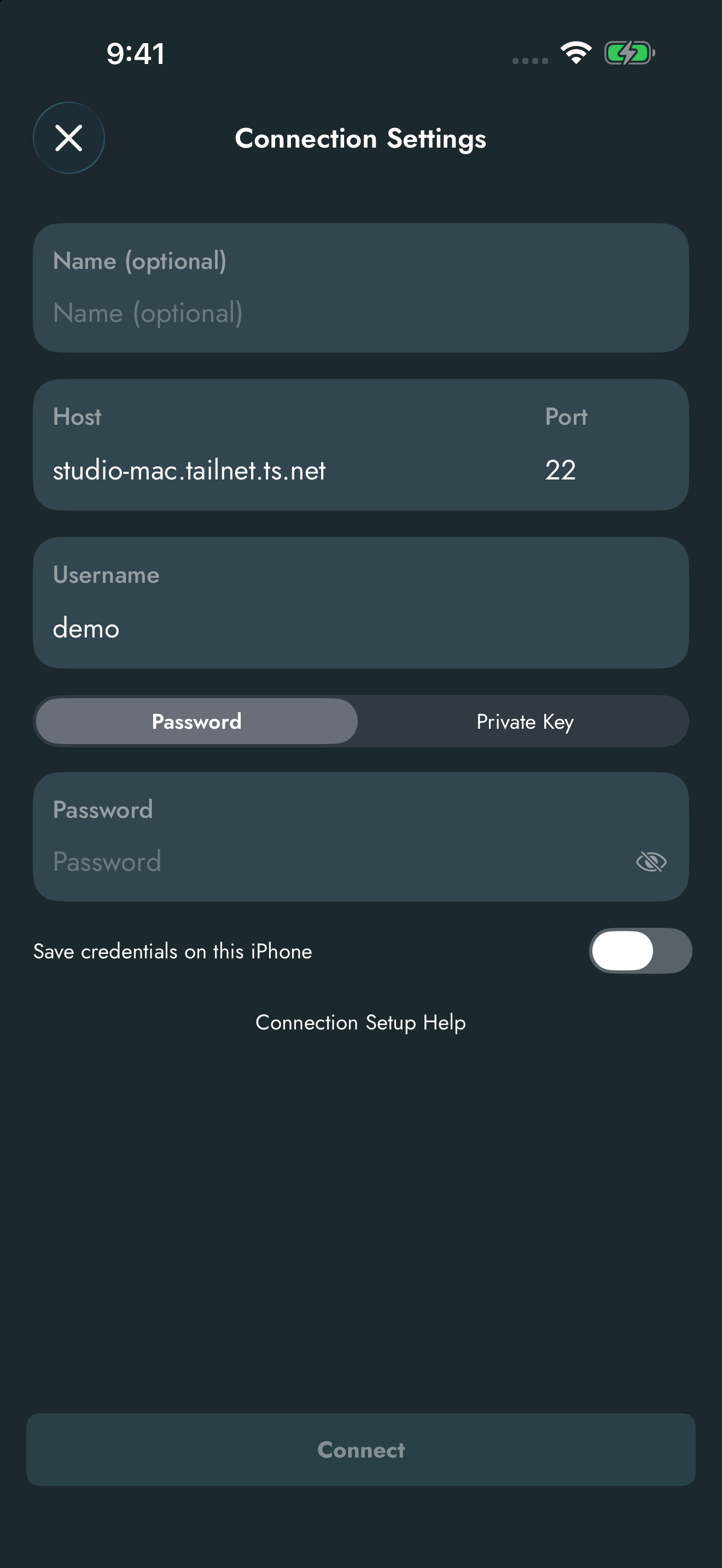
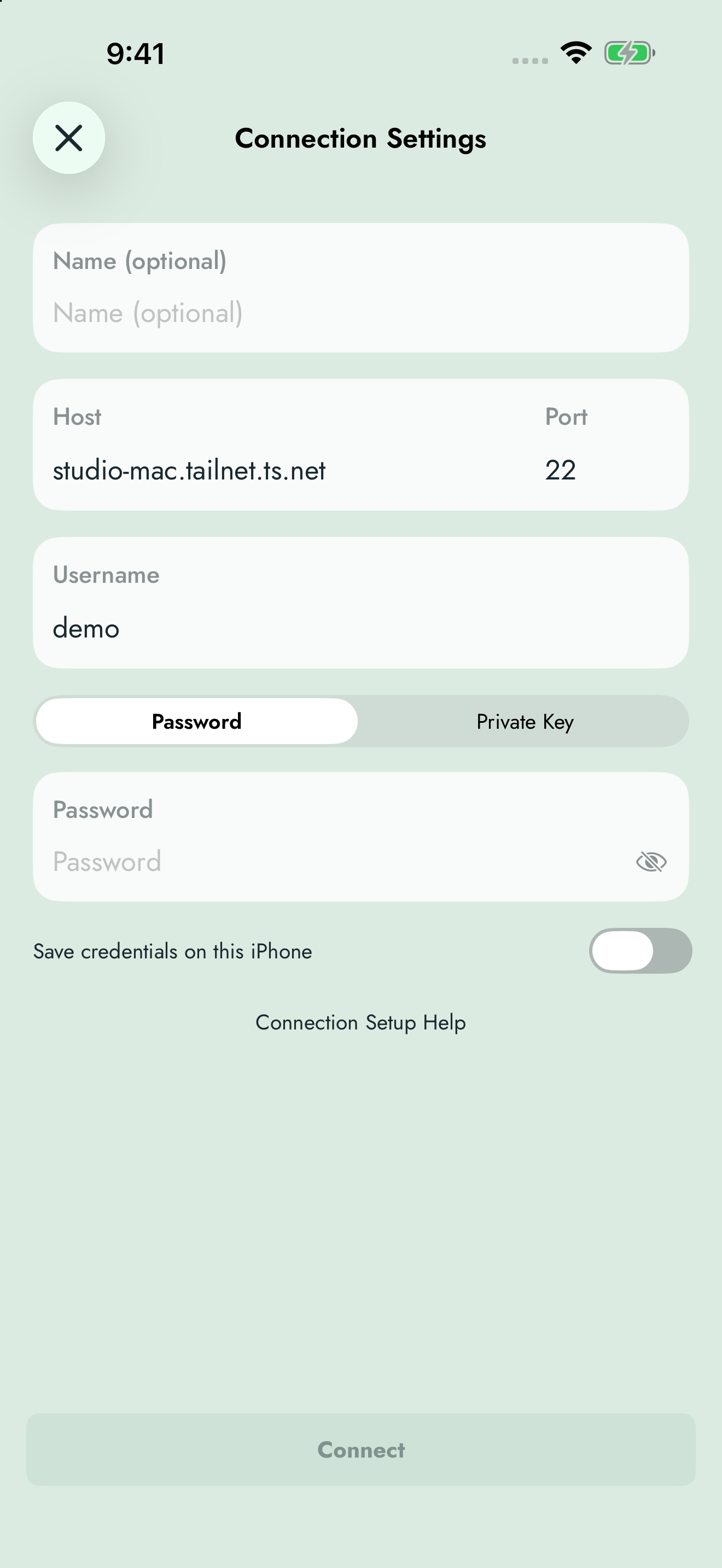
Connection settings
Connect directly to your machine over SSH or Tailscale.
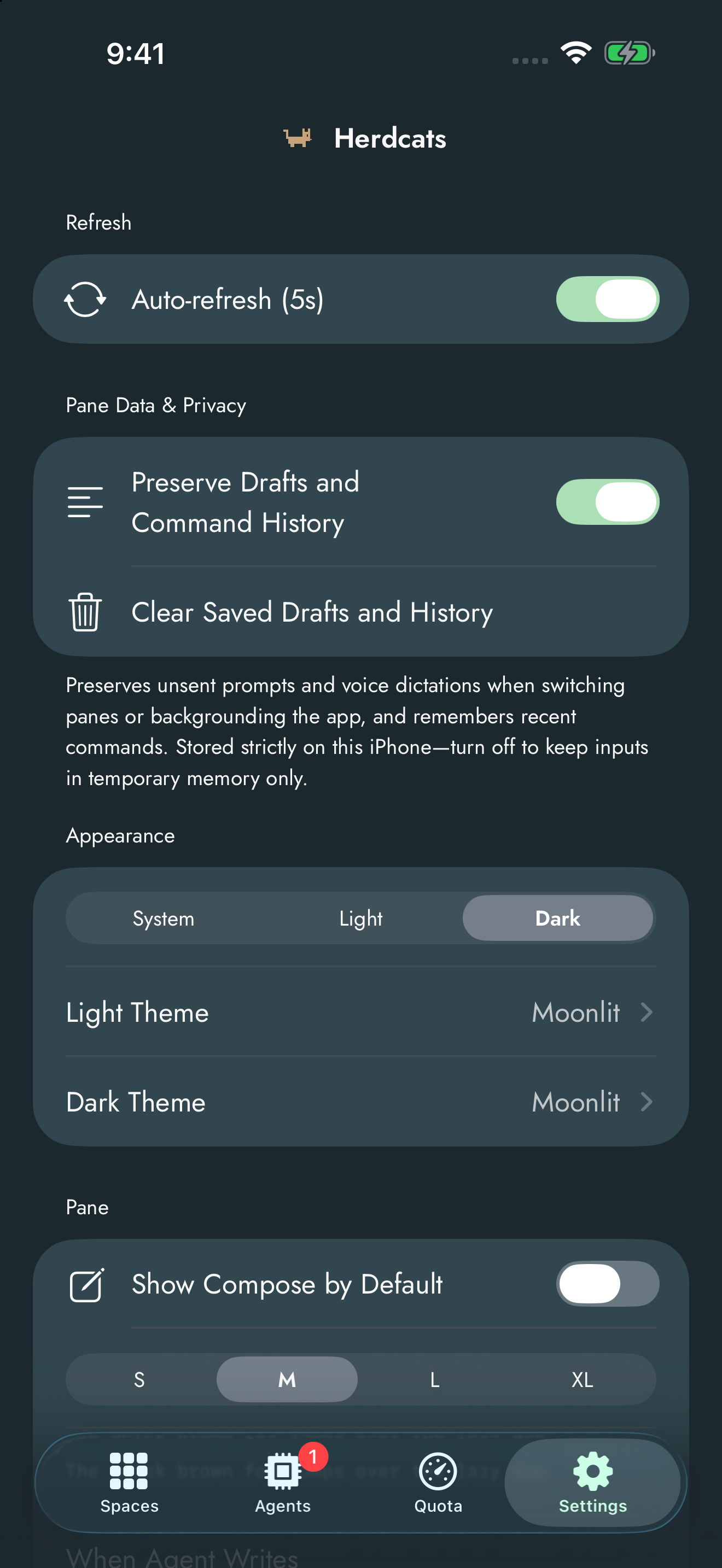
Settings
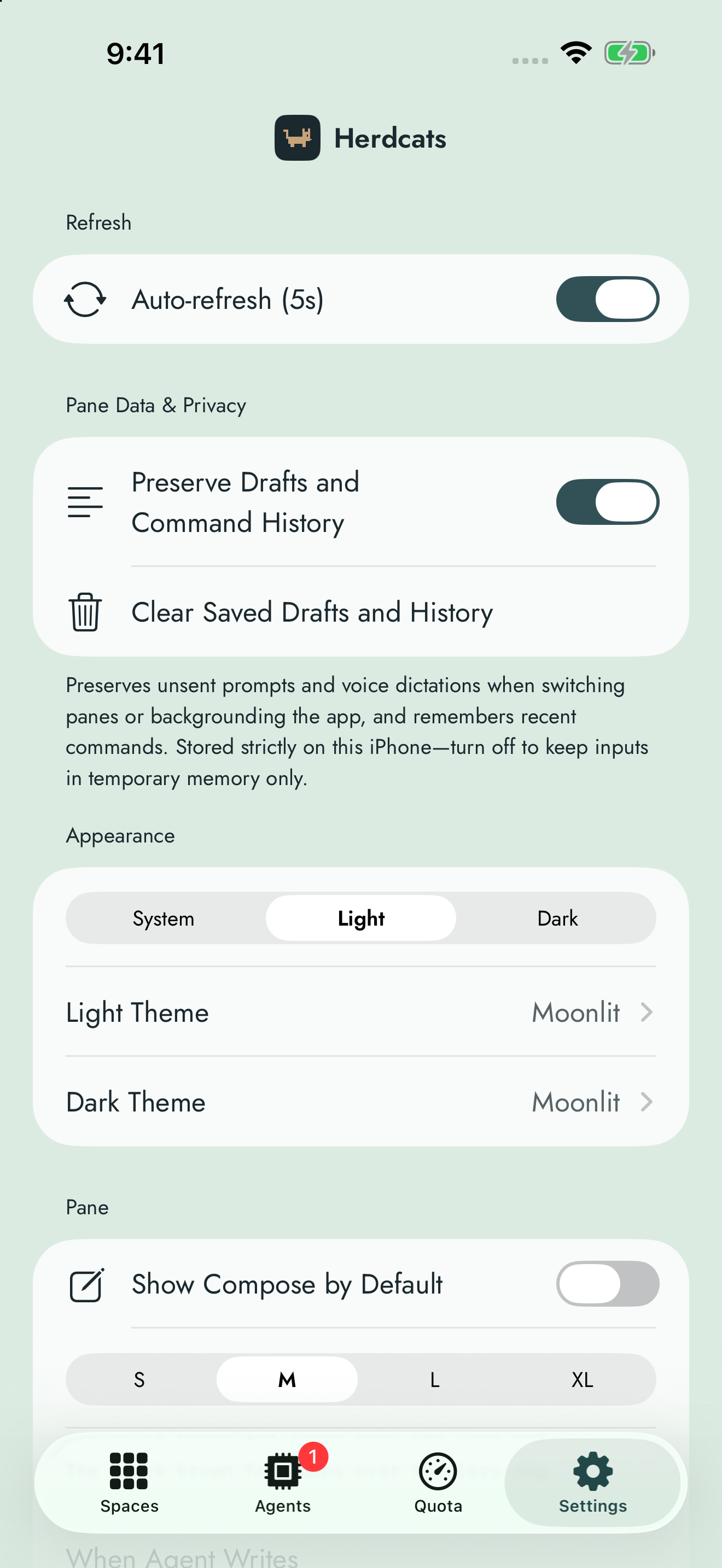
Choose your appearance, pane preferences and local draft storage.
Compose
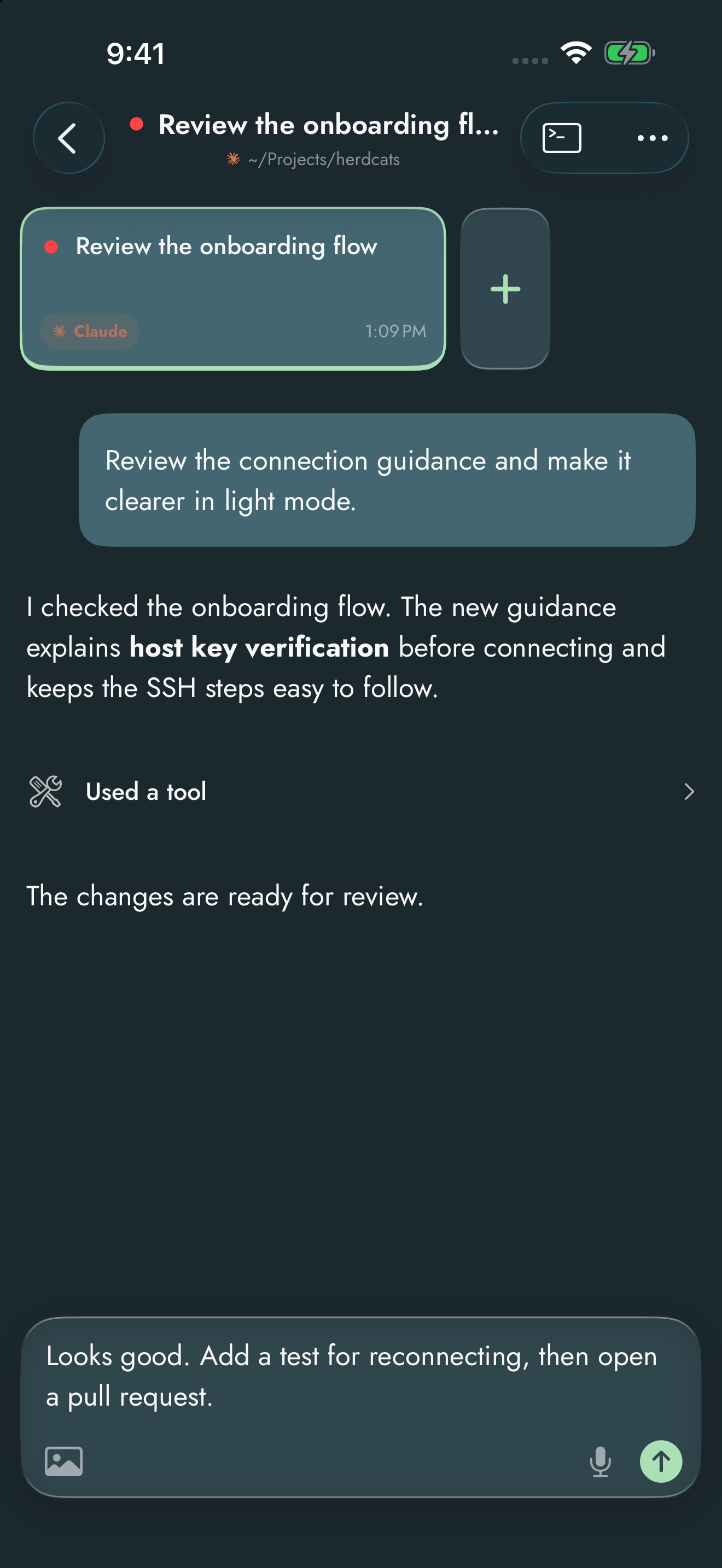
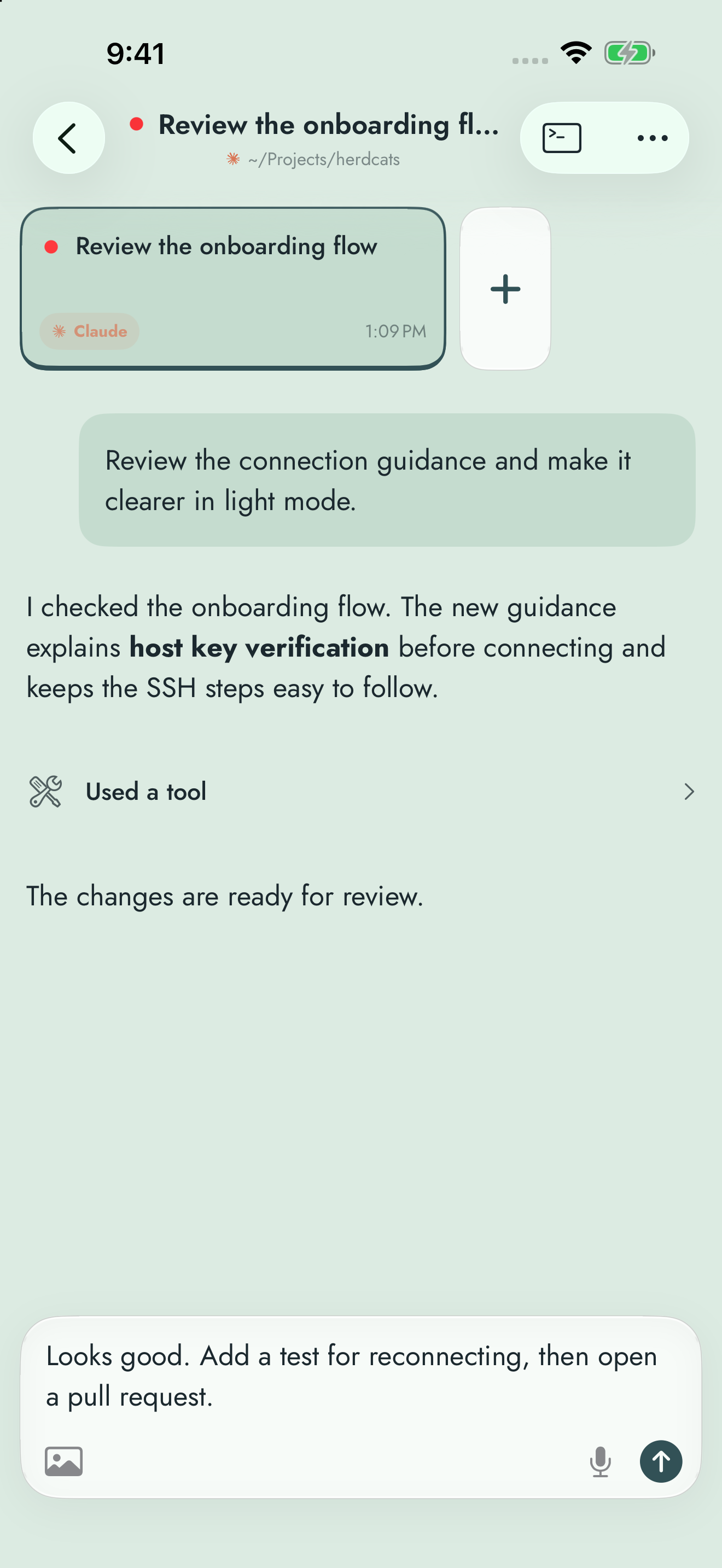
Draft and review a message before sending it to your agent.
Voice
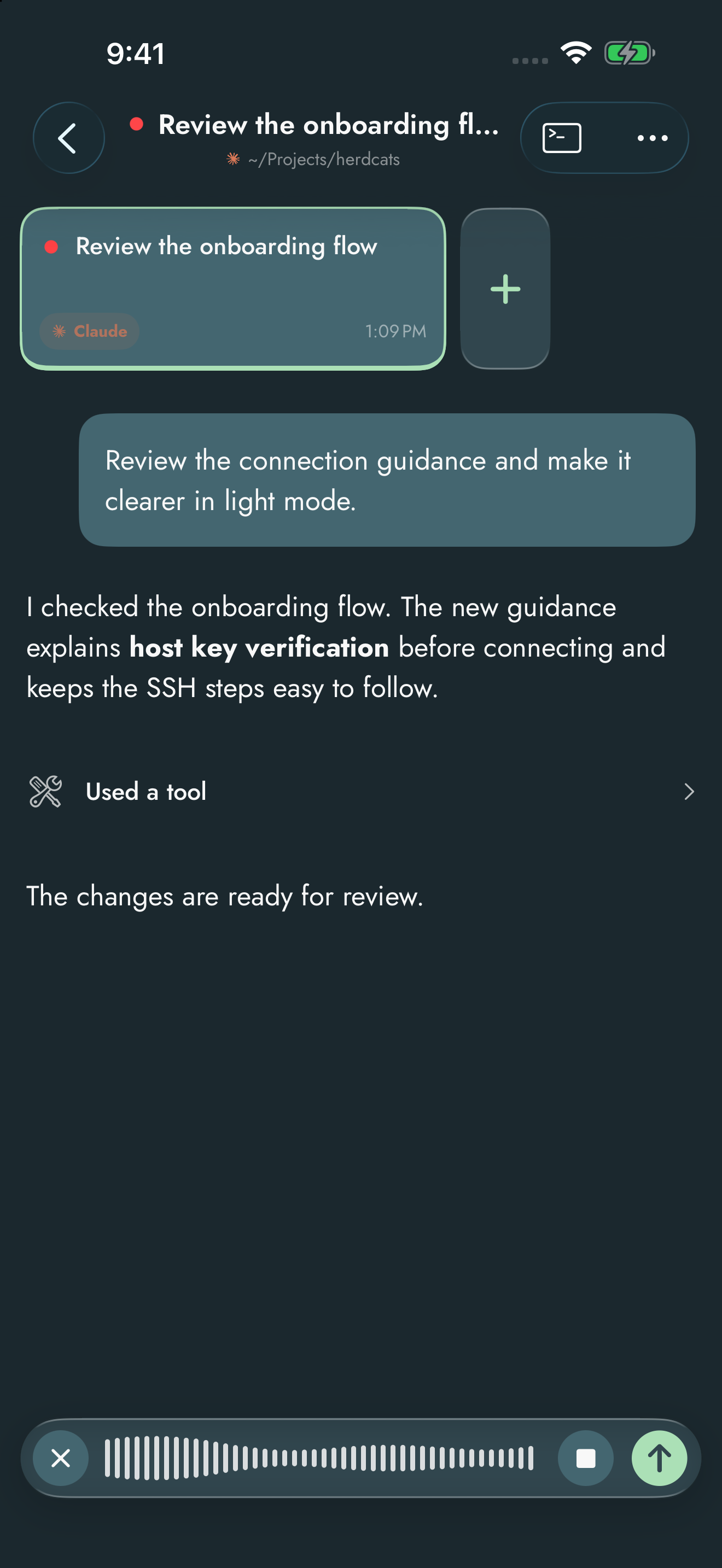
Dictate a message, then review it before sending.
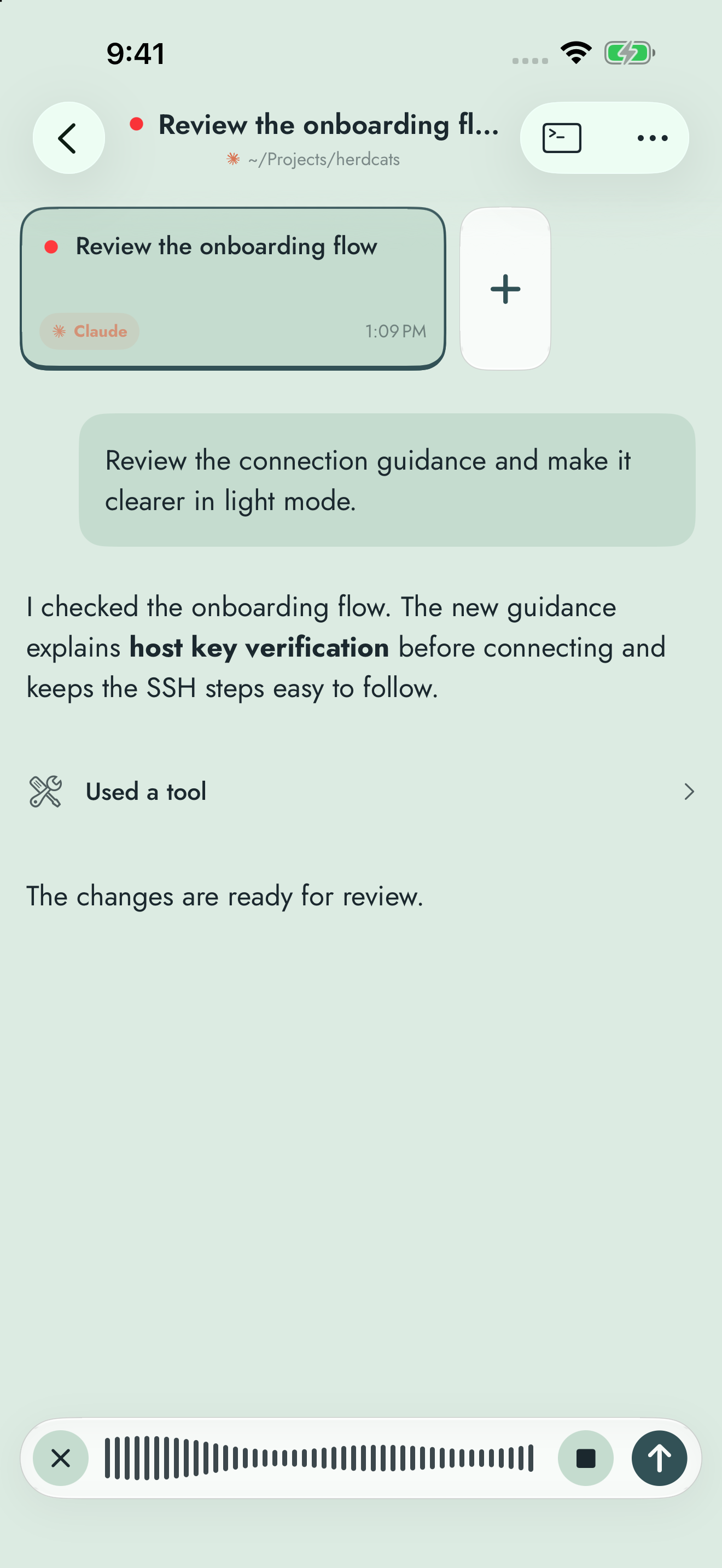
Two panes on large screens
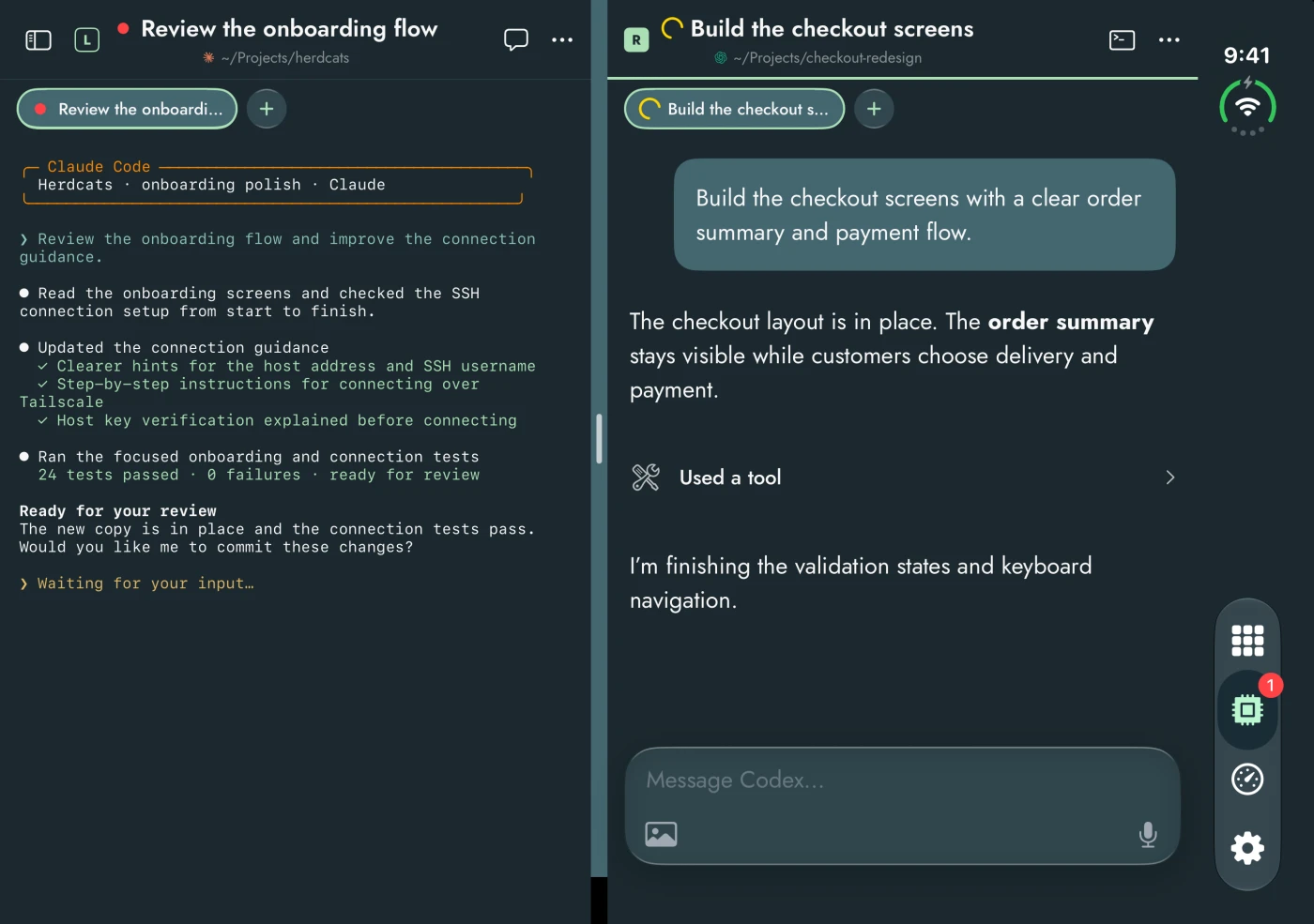
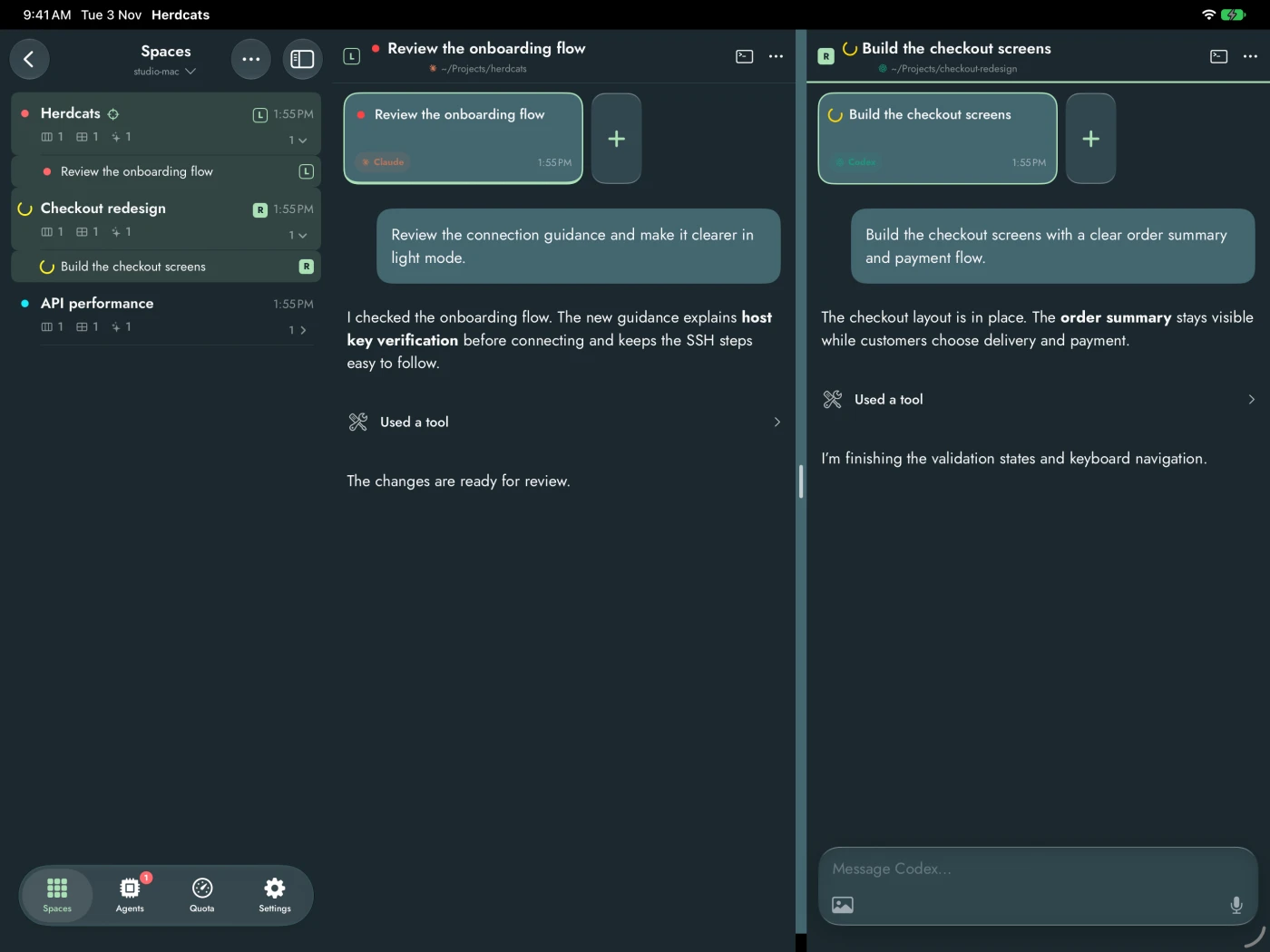
On iPad and the unfolded iPhone Duo, Spaces and Agents show the list beside the selected pane. Open a second pane next to the first from a row’s menu, the Split button, or by dragging a row onto the left or right half. Drag the divider to resize. These captures are dark mode only.
iPad
Keep the Spaces list open beside two live panes. Each pane has its own header, an L or R tag, and its own composer.
iPhone Duo, unfolded
Open terminal output on one side and a conversation on the other. Fold the phone and the pane you were using stays open.